
SSO and SCIM 2.0 provisioning
Sign-in with corporate credentials and a roster that syncs on its own from Entra ID, Google Workspace or Okta.
How people get in and how the change is audited
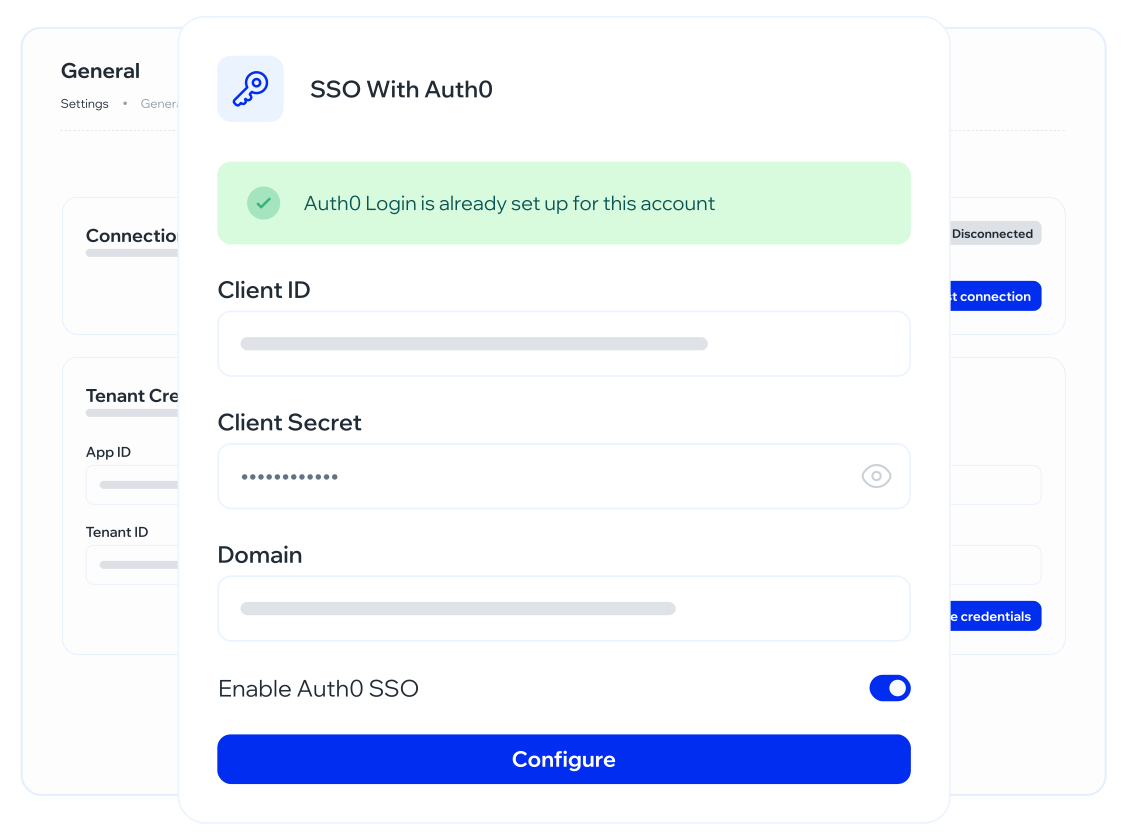
Okta and Auth0 with self-managed credentials. The admin does not keep another password for a roster that already has an IdP. IT configures metadata once; the roster does not need another password.
Automatic joiners, leavers and changes. The day the IdP deprovisions, that person stops being program population. We do not keep orphan accounts to inflate coverage.
Entra ID, Google Workspace, Okta. Each has an anchor on the integrations hub. There is not a separate card per IdP.
Each joiner, change and leaver is stored with old and new value, exportable to CSV. If there is no SCIM, the import template is the alternative. It is not the happy path; it is the declared plan B.
The roster comes in on its own. Nobody creates users by hand
SAML 2.0 SSO is signing into Whalemate with corporate credentials
SCIM 2.0 is the roster syncing on its own: joiners, leavers and changes, without the Excel People sends on Friday. The providers declared for this flow are Entra ID, Google Workspace and Okta. Auth0 is in SSO with self-managed credentials. We do not invent a connector that is not in the catalog.
Here is how identity and provisioning work
Here is how identity and provisioning work: SAML, SCIM, directory per provider, the log of each joiner/change/leaver with old and new value exportable to CSV, manual template import as an alternative, and 2FA, max session time and brute-force protection as access controls — configuration detail for those last three lives in security and in documentation, not as a how-to here.
Nobody searches “the pretty connector”
They search SCIM 2.0 provisioning and SAML SSO. That is the keyword. IdP product names are providers, not the primary query.
SAML 2.0 SSO
Sign-in with corporate credentials. Okta and Auth0 with self-managed credentials. Whoever administers the program does not add a password. Attribute mapping is implementation, not a marketing article.
SCIM 2.0
Microsoft and Okta: automatic joiners, leavers and changes. The program roster follows the directory. An IdP leaver is a Whalemate leaver.
Integration logs
Each joiner, change and leaver with old and new value. Exportable to CSV. For when IT or audit asks what moved and when, without a “send me the log” ticket.
Manual import
A template as alternative when there is no SCIM. Not the path we sell first. Declared so the roster is not a hole for whoever still imports a file.
What it is for when the roster moves every week
It is so a branch joiner does not wait on regional Excel
It is so the contractor who leaves in three months does not keep getting the company’s phishing. It is so IT is not the password help desk for the awareness platform.
2FA, session and brute-force protect whoever administers
Timeout and lockout detail is configuration: if the title were “how to enable”, it would go to documentation. Here we declare that they exist and that the Trust Center / security is the place for the control.
How it connects to the integrations hub
The SSO SCIM integrations hub is the map. This is identity: SSO and SCIM. SCORM and API have their own pages. Deliverability (whitelisting, own domain) stays on the integrations hub. Without a roster there is no simulation or course. SCIM is not an IT nice-to-have: it is the condition for the program to survive turnover. The training and simulations engines assume the people who are in are the people who exist in the directory.
Questions about SSO and SCIM
Sync the roster, stop chasing Excel
In the demo we look at your IdP, SAML and whether SCIM lands. No metadata wizard here.