
Custom reporting: the program enters your Power BI, not the other way around
If you already have a BI stack, program data has to live there. We build Power BI dashboards and join them to your sources. The analytics module and the API remain the origin.
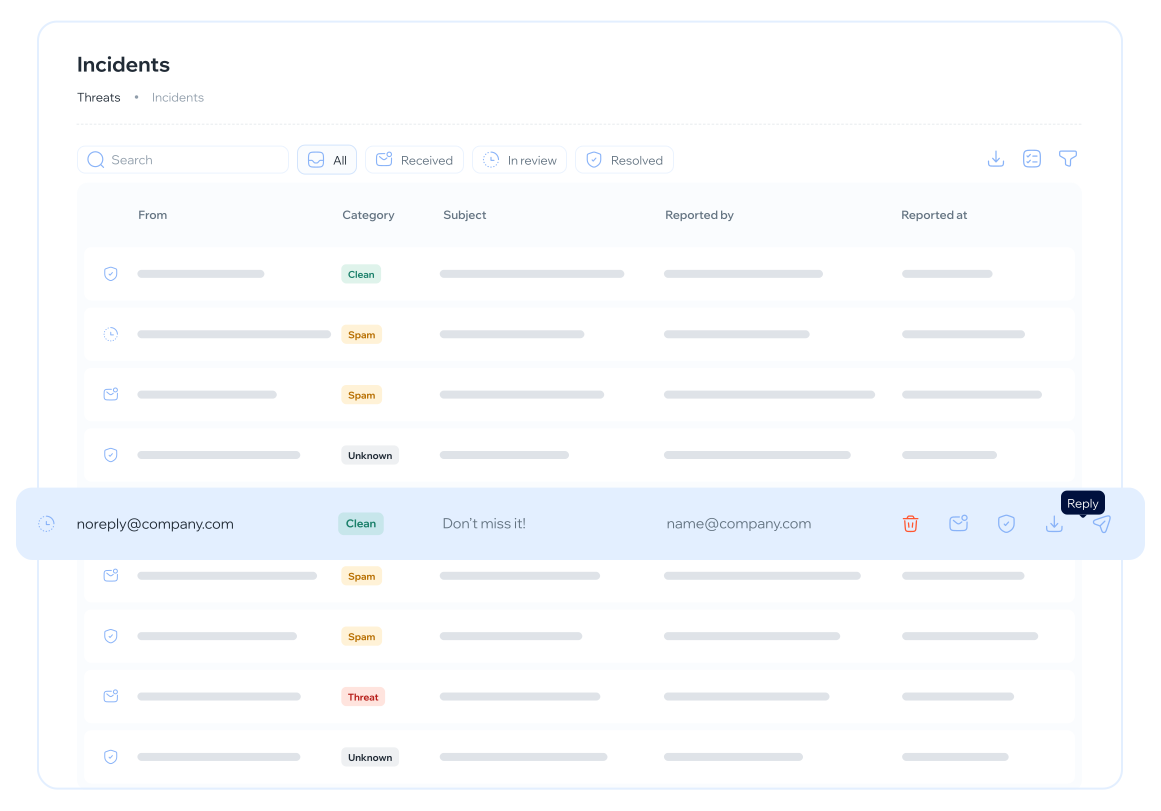
How the data enters the workspace that already exists
We map what comes from analytics and the API, and which of your sources can be joined. Without clean keys there is no join. Privacy validates the cut.
Tables, measures and relationships in the client workspace. We do not stand up a tenant of ours for the committee to “visit”. The report lives where they already go.
We design the pages that table reads: exposure, simulations, training, not a hundred-field cube. Each page has a reading owner.
We document the dataset, the cadence and who operates the refresh. The native module does not turn off: it remains the origin and everyday operations.
Why another screen loses the committee conversation
Because the board does not change tools for an awareness program. They enter the workspace they already have, or they do not enter. A CISO who can only show the native module in a demo loses the picture when the committee asks for “this in…
What you get
A dashboard in your Power BI, with program data and lawful joins, not one more screen to remember.
Source map
What comes from analytics or the API and what is joined inside. Privacy signs the cut. Without that map the model is a risk.
Dataset and measures
The model in the client workspace. KPIs the committee already names, not a copy of every native screen.
A report for the table
Pages built for whoever already opens Power BI. Cut by unit, not a dump. An explicit link to the analytics module as origin.
Operational handover
Who refreshes, what breaks if the roster changes, how to ask for a second cut. It is not a black box from a partner who disappears.
What we need from you
A BI stack that already exists — Power BI, in the published case — and a counterpart who can give us access to the workspace and to the internal sources you want to join. Without… Also honesty about the native module. If nobody uses it, the service does not create adoption: it creates another layer. Start with analytics. This commission does not ask for an…
How it fits analytics and the API
Custom reporting does not turn off the analytics module. It uses it as origin. The API comes in when the model needs an extract the screen does not give. The program still runs on the platform; the committee reads in…
Often contracted alongside this one
Questions about custom reporting
Take the program to the workspace the committee already opens
If you do not use native analytics yet, start there. If you already hit the stack, let’s talk sources and keys.
Full catalog on Services